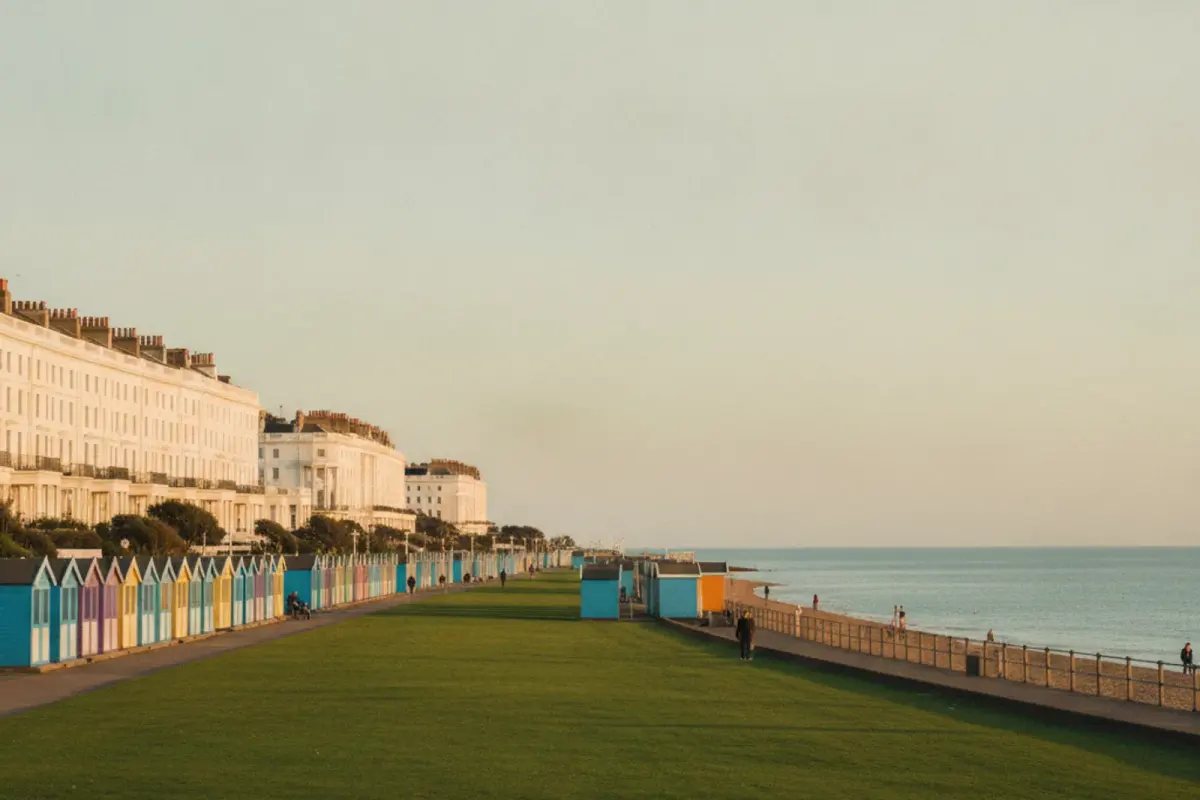
Brighton and Hove is one city, but it doesn't behave like one in search. People search "Hove" on its own, and some still treat "Brighton" and "Hove" as different towns. Then there are the neighbourhoods: Kemptown, Hanover, Preston Park, Seven Dials, Fiveways, Patcham, Rottingdean, Portslade. And beyond the city, Shoreham, Lewes, Worthing, Peacehaven and the Downs villages.
That makes location pages tempting. If one "plumber Brighton" page works, why not twenty more for every area? Because Google has become very good at spotting pages that exist only to rank for a place name, and it tends to ignore them. Done badly, location pages waste time and can drag down how Google sees the rest of your site. Done well, they are some of the most useful pages a local business can have.
First: do you need location pages at all?
It depends on how your business works.
- One premises, customers come to you (a café, a clinic, a shop): you probably don't need location pages. Your Google Business Profile and homepage do the work for the area around you. Mention the neighbourhood and nearby areas naturally in your content.
- Several premises: one page per location, each linked from its own Google Business Profile. These are essential.
- You travel to customers (trades, cleaners, mobile services): a small number of pages for the places you most want to win can help, as long as each has something genuinely different to say.
- You serve clients remotely (accountants, agencies, consultants): one strong page for your home city is usually enough. Additional pages only make sense where you have real local clients or presence.
The Brighton and Hove question
If your business is in Hove, lead with Hove. Use it in your page title, heading, Google Business Profile address and local content. Mention Brighton where it's true: "serving Hove and the rest of Brighton and Hove", or "a ten-minute walk from Brighton's Seven Dials". Don't hide where you are to chase the bigger name; Google uses your verified address anyway, and customers don't like surprises.
If you are in Brighton and serve Hove too, one dedicated Hove page can be worthwhile, provided it says something specific: the Hove jobs you have done, the streets you cover, the practicalities of reaching customers there.
What makes a location page worth ranking
The test is simple: if you swapped the place name for another town, would the page still make sense? If yes, it is too generic. A good location page includes things that are only true of that place.
- Real work done there. Projects, jobs or clients in the area, described with photos and a short story. A builder in the Downs villages might show flint wall repairs; one in Hove might show Regency townhouse renovations.
- Local practicalities. Parking, permit zones, access, travel times, which day you're usually in the area.
- Local problems. Housing stock, conservation areas, typical issues. A roofer covering Brighton's Victorian terraces faces different jobs from one covering new-builds on the edge of Worthing.
- Local demand. What people in that area tend to ask for, and why.
- Reviews from customers there, if they are genuine and you have permission to quote them.
How many pages?
Start with the three to six places that matter most to your business: where most of your customers already are, or where you most want to grow. Write those properly. Add more only when you have something real to say about each. Five strong pages beat fifty thin ones, every time.
Structure and internal links
Group location pages under a simple parent: /areas/ for example, with a short overview of where you work. Link each location page to the relevant service pages and back. Link nearby locations to each other where it makes sense: Hove to Portslade and Shoreham, Kemptown to the Marina and Rottingdean.
Avoid long footer lists of every town in Sussex. They look spammy to people and add little for search.
Neighbourhood names in your content
Even without separate pages, you can help Google understand where you work by using neighbourhood names naturally. A café can mention it's on the edge of Hanover and a short walk from the Level. A dentist can mention parking near Preston Park. An accountant can say they meet clients in the city centre or at their Hove office. This is the sort of detail that makes content read as local rather than templated.
An example: the same business, two approaches
Imagine a boiler engineer based in Portslade who works across Brighton and Hove, Shoreham and Lewes.
| Thin approach | Strong approach | |
|---|---|---|
| Number of pages | 40, one per town and neighbourhood | 4: Brighton, Hove and Portslade, Shoreham, Lewes |
| Content | Same 300 words, place name swapped | Different jobs, housing types, travel and response times for each |
| Photos | Stock images | Real jobs in that area |
| Typical result | Most pages never indexed or ranked | Fewer pages, each with a real chance |
On the strong Lewes page, for instance, the engineer could talk about the older properties in the town centre, explain how they schedule visits there, and show a couple of recent jobs. None of that could be copied to the Shoreham page, which is exactly the point.
What to put on a location page: a template
- Heading and intro naming the service and place, and saying plainly whether you are based there or travel in.
- Recent work in the area with photos and a sentence or two each.
- Area-specific practicalities: parking, access, typical properties or customers.
- Services most relevant there, linking to the main service pages.
- Short FAQ with questions people in that area actually ask.
- Clear next step: how to get in touch or book.
How to check your existing location pages
If you already have location pages, test them before writing more. Open two of them side by side and read them aloud. If you could swap the place names without anyone noticing, Google will treat them as near-duplicates too.
Then open Search Console and look at the Pages report. Location pages listed as "Crawled, currently not indexed" or "Duplicate without user-selected canonical" are a strong sign they add nothing new. Check the Performance report for each URL as well: a page that has had no clicks in twelve months is a candidate for merging.
Finally, ask whether each page is linked from somewhere useful. A page reachable only from the footer or the sitemap is hard for Google and visitors to find. Link location pages from relevant service pages and case studies, and link back from them to the services. Our local SEO service includes this review, and you can see examples of area pages on our Hove and Lewes pages.
Don't forget the profile
For businesses with premises, the Google Business Profile does more for map rankings than any location page. Make sure the address is consistent everywhere, the pin is accurate, and the categories are right. Our Google Business Profile checklist covers this in detail.
A quick audit you can do now
- List every location page on your site.
- For each, check Search Console: does it get any impressions for searches with that place name?
- Read each one and apply the swap test.
- Merge or remove pages that fail and get no traffic, redirecting them to a stronger page.
- Rewrite the ones that matter with genuinely local detail.
If you would like help, our local SEO service includes location page planning, and you can see how we approach different places on our areas page.